
Daraja Local How-To Guides
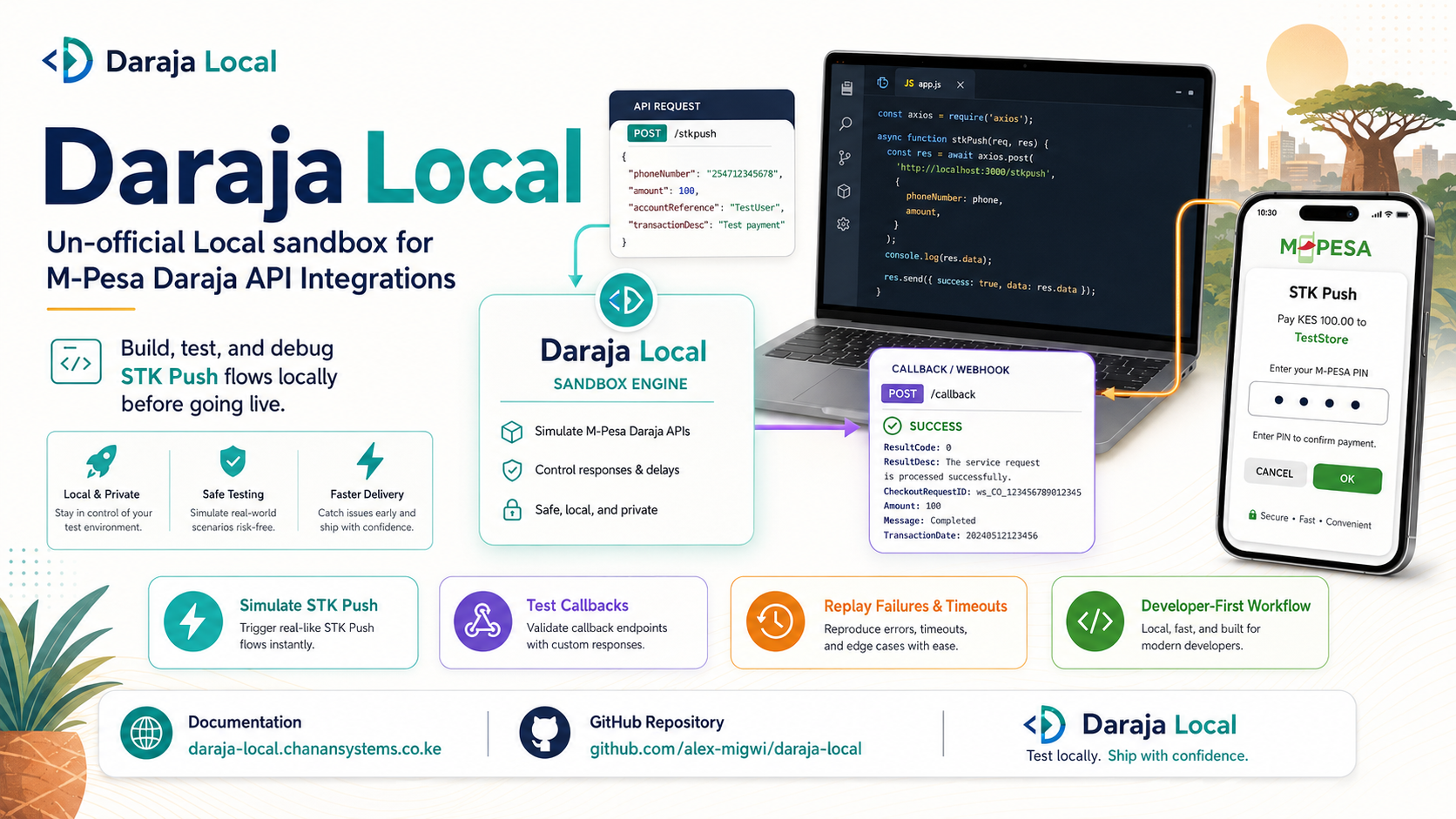
This folder contains practical guides for using Daraja Local during local M-Pesa Daraja development.
Guides
- Install and Link the CLI
- Start the Local Emulator
- Generate OAuth Tokens
- Create STK Push Requests
- Query STK Transaction Status
- Use C2B Register URL and Simulation
- Review the Compatibility Contract
- Use B2C Payments
- Use B2B Payments
- Use experimental B2C Account Top-Up
- Approve, Fail, and Timeout Transactions
- Receive and Replay Callbacks
- Inspect Transactions
- Troubleshooting
Default Server URL
Unless changed, Daraja Local listens on:
http://127.0.0.1:8080CLI commands that talk to a running server use that same URL by default.
Main STK Push Flow
1. Your app -> Daraja Local
   POST /mpesa/stkpush/v1/processrequest

2. Daraja Local -> Your app
   Returns CheckoutRequestID immediately.

3. Your app
   Saves CheckoutRequestID and marks the payment PENDING.

4. Developer or automated test -> Daraja Local
   Calls approve, fail, or timeout for that CheckoutRequestID.

5. Daraja Local -> Your callback URL
   POSTs the final transaction result.

6. Your app
   Updates the payment status from the callback.